Meeting Statistics
Analyze speaking patterns, participation levels, and engagement metrics automatically. Discover who dominates conversations and identify communication imbalances to improve team dynamics.
Balance talk time, highlight top contributors, and uncover quiet voices with cross-meeting speaker insights.
Balance talk and listening across the team
See who speaks most, who stays quiet, and how balanced your meetings are with talk/listen ratio and participation insights.
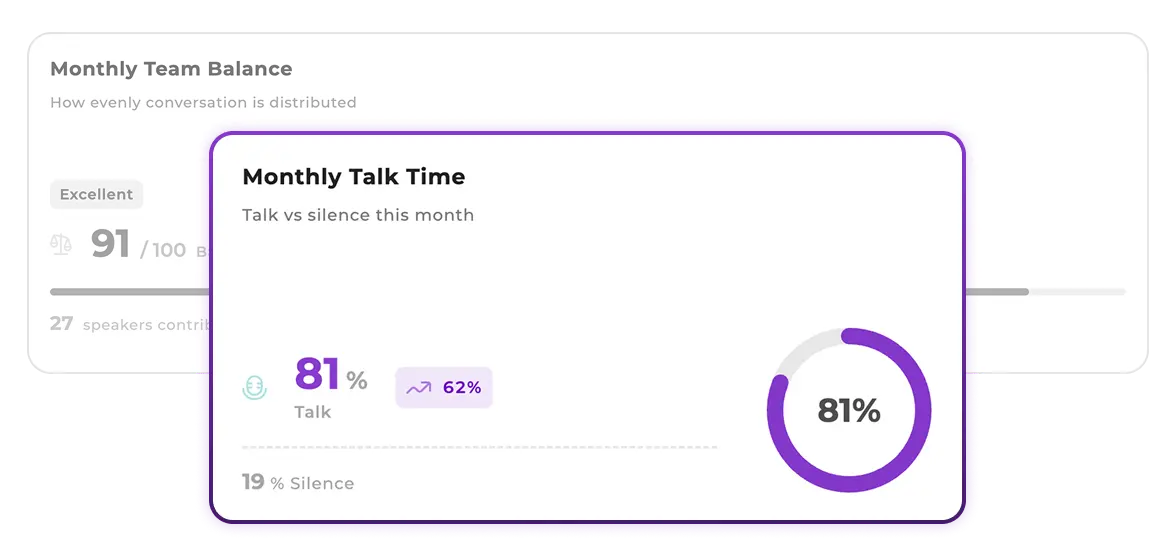
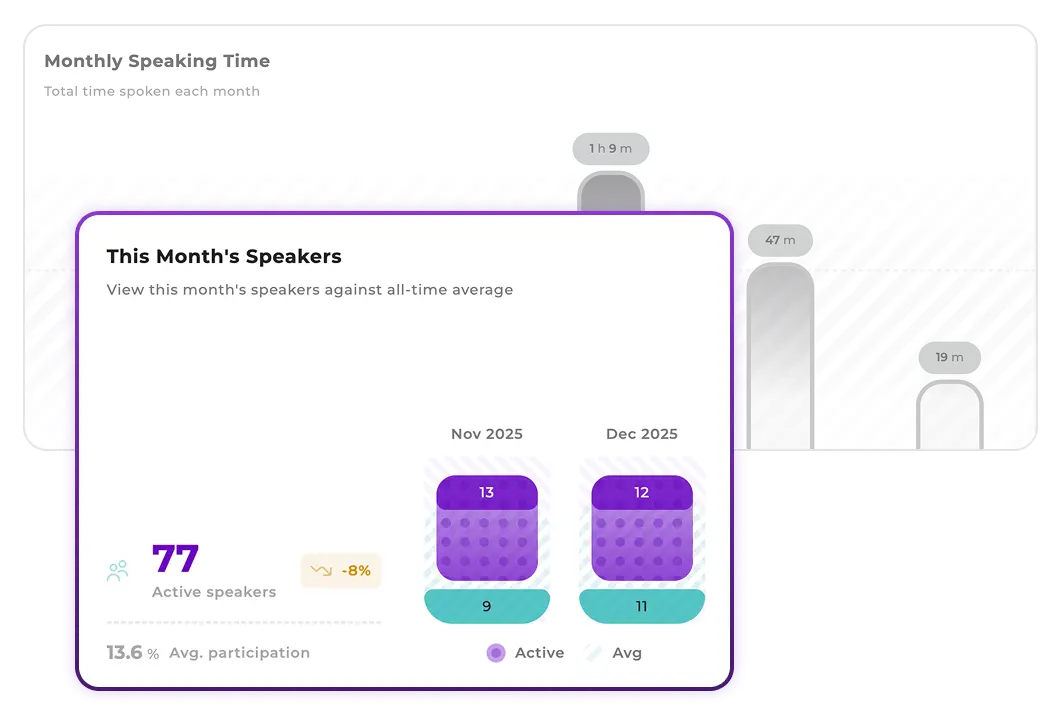
Speaking time and participation across meetings
Follow speaking time and active participants across daily, weekly, or monthly views to see how engagement evolves.
Find ghost attendees and consistent voices
Identify teammates who never speak, and those who reliably contribute, so you can guide more balanced collaboration.
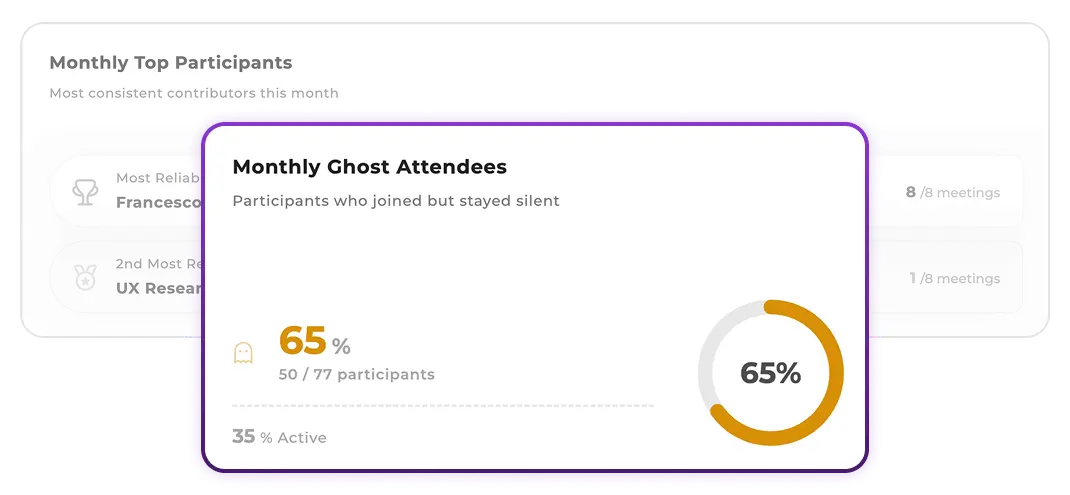
Use speaker insights to balance participation, recognize contributors, and run more inclusive meetings.
Open the Speakers tab under Analytics to see talk/listen balance, speaking time trends, and top and quiet contributors across your meetings.
Speaker analytics is available on Pro and Enterprise plans. If you don’t see the Speakers tab, ask your workspace admin to enable access for your role.
The Speakers tab shows cross-meeting trends. For a single meeting’s speaker details, open that meeting in the app and review its transcript and insights.
You can view charts and insights directly in the app. For export options, check your plan details or contact your workspace admin.
All recorded meetings with transcription enabled are automatically included. Analytics update within minutes after each meeting ends.
Discover related features to understand and improve meeting dynamics
Analyze speaking patterns, participation levels, and engagement metrics automatically. Discover who dominates conversations and identify communication imbalances to improve team dynamics.
Set your organization's core values and track how they're mentioned in meetings. AI automatically monitors when values are discussed, creating consistent cultural reinforcement across your team.
Get instant AI-powered meeting summaries with overview, key points, and conclusions. Navigate long meetings effortlessly with automatic topic chapters and smart highlights.