Overview & Key Points
Get instant AI-powered meeting summaries with overview, key points, and conclusions. Navigate long meetings effortlessly with automatic topic chapters and smart highlights.
Transform meeting transcripts and AI-generated summaries into shareable content. Export branded documents, collaborate with your team instantly, or create secure public links for clients. Share meeting intelligence, not just notes.
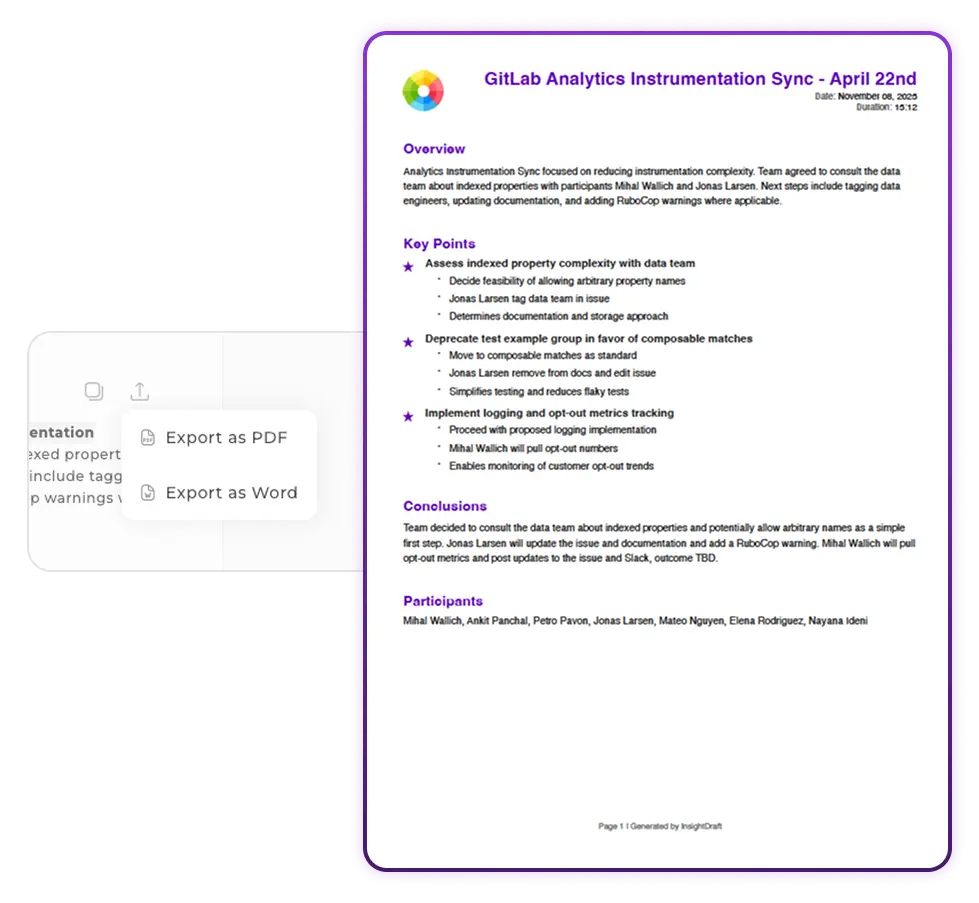
Export Meeting Notes with Your Brand Identity
Create polished documents that reflect your organization. Export meeting summaries, transcripts, and AI insights as beautifully formatted PDF or Word documents with your company logo and brand colors. Perfect for sharing with clients, executives, or external stakeholders.
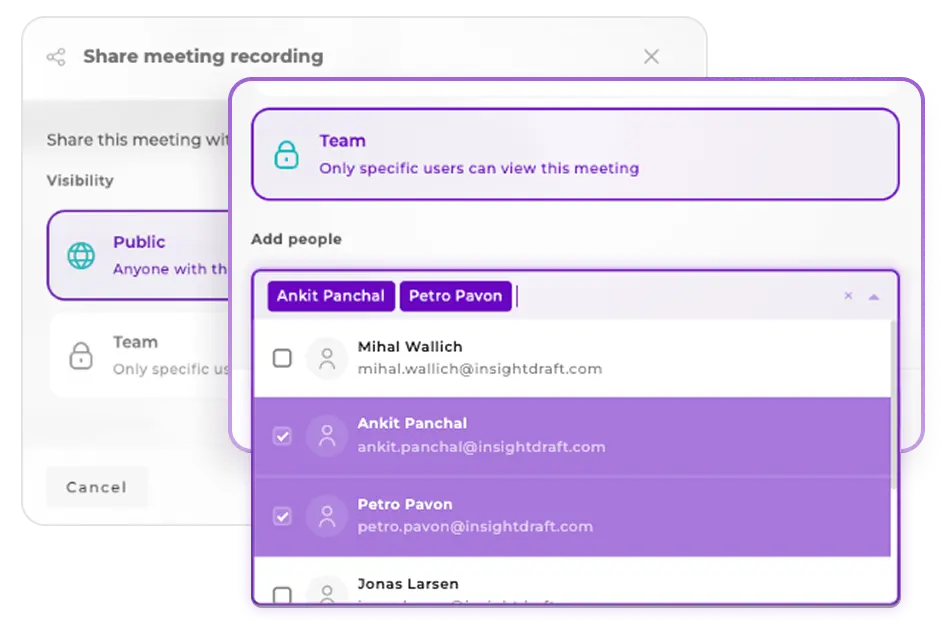
Share Meeting Insights with Your Team or External Stakeholders
Different audiences need different access. Share transcripts and AI summaries with specific team members for internal collaboration, or generate unique public links for clients and partners. Full control over access with the ability to revoke anytime.
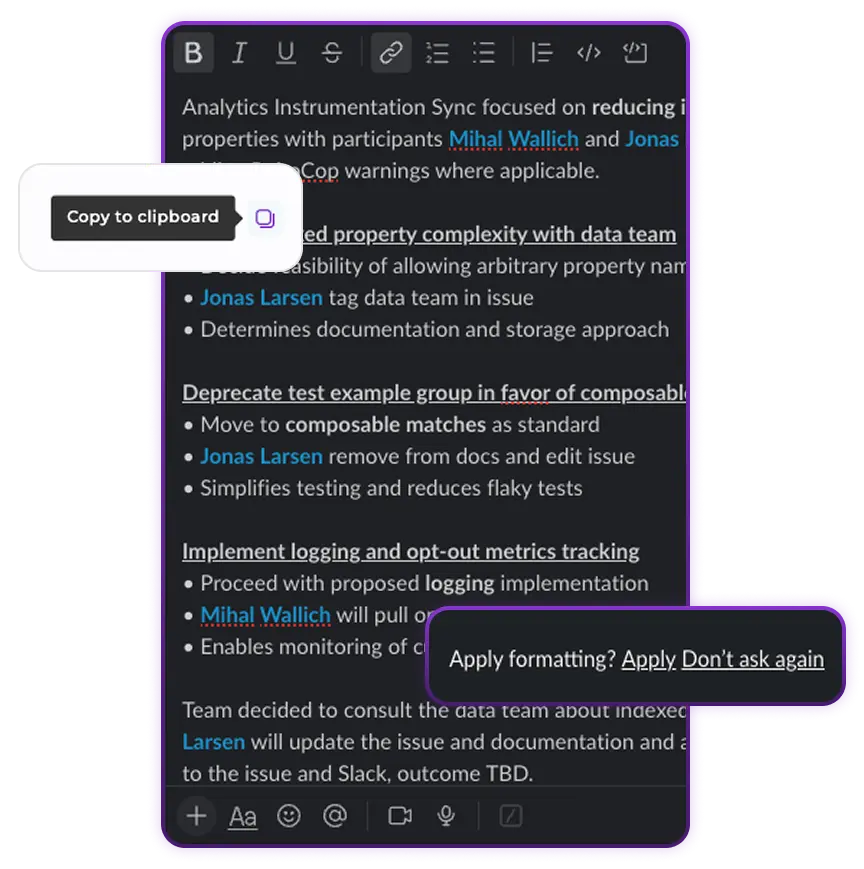
Copy Formatted Meeting Notes to Any Platform
Need to share AI summaries quickly in Slack, email, or Notion? One click copies your formatted meeting notes to clipboard. Paste them anywhere and maintain clean structure. No downloads, no attachments - just instant, ready-to-share content.
Distribute AI-generated summaries, transcripts, and action items instantly. Export branded documents, collaborate with your team, or create public links for clients. Turn meeting data into shareable content.
Go to your meeting page and click the Export button in the summary section. Choose PDF or Word (DOCX) as your format. The downloaded document will automatically include your organization's logo and brand colors if you've set them in your branding settings. Otherwise, it will use InsightDraft's default branding.
Team sharing shares the meeting with specific members of your organization. It requires login and provides full access to all features. Public sharing generates a unique link that anyone can open without an InsightDraft account. Public links are read-only and ideal for sharing with clients, partners, or external stakeholders.
Yes, at any time. For Team sharing, go to the meeting settings, find the member in the access list, and remove them. For Public links, disable the public link from the sharing settings. Once revoked, access stops immediately and the link will stop working.
When you click Copy, the formatted summary is copied to your clipboard while maintaining its structure (headings, bullet points, paragraphs). You can paste it directly into Slack, email, Notion, Confluence, or any other tool and it will maintain professional formatting and readability.
Public links use cryptographically secure tokens that are impossible to guess or discover without you sharing them. However, anyone who receives the link can access the meeting content without login - similar to sharing a Google Doc link. Share public links only with intended recipients. You can revoke access anytime by disabling the link. For sensitive meetings requiring authentication, use Team sharing instead.
Explore additional features to share and collaborate on meeting insights
Get instant AI-powered meeting summaries with overview, key points, and conclusions. Navigate long meetings effortlessly with automatic topic chapters and smart highlights.
Invite team members and set up accounts effortlessly. Streamline your organization's onboarding process with intuitive invitation workflows and role-based access management.
Automatically sync meeting transcripts and summaries to your Google Drive. Keep all your meeting documentation organized in one place with seamless cloud storage integration.